Distribution

Every order in one queue, checked before it is confirmed

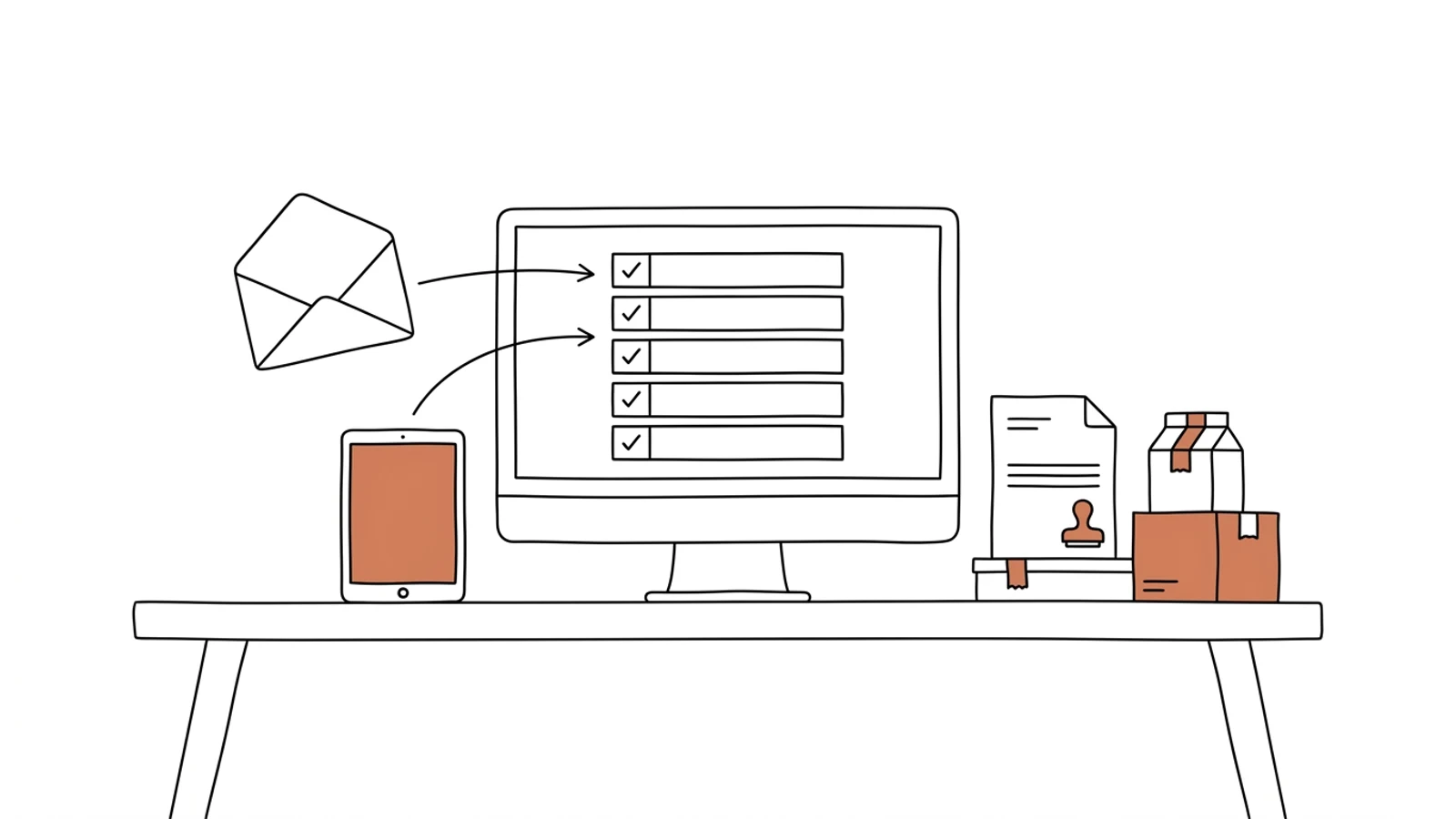
From the B2B platform, from retail-chain EDI, from email and from a sales rep on the phone. The system checks stock, credit limit and the customer's price list before the order reaches the warehouse. The error shows up at order entry, not after shipping.

Does this sound like your sales desk?

A sales rep re-keys orders from email

The customer sends an Excel file or a photo of a list, the rep types the lines into the ERP. With 40 lines, one typo in an item code means a pallet coming back two weeks later.

The accountant checks the credit limit after the fact

The order goes to the warehouse, the goods leave, and at invoicing it turns out the customer has three overdue invoices. Holding the shipment means calling the driver.

"Has my order shipped yet?" means a call to the warehouse

The customer calls the rep, the rep calls the warehouse, the warehouse looks for the dispatch note. The answer comes a quarter of an hour later.

Eight parts that make up the system

Built around your sales channels and your ERP. Orders keep coming in where they do today, but they land in one place.

One order queue

From the B2B platform, EDI, email, phone and field reps. Every order has a source, a status and an owner.

Checks before confirmation

Stock on hand, credit limit, overdue invoices, minimum order quantity, the customer's price list and discount. An order with a problem stops at the rep, not at the loading dock.

Customer price lists and promotions

Price calculated from the customer's price list, discount group, promotions and quantity breaks. The rep sees the margin on each line before confirming.

B2B platform for customers

Customers place orders themselves and see their prices, availability and history. Repeating a previous order takes two clicks.

EDI with retail chains

ORDERS comes in as an order, DESADV and INVOIC go out on their own after shipping and invoicing. A rejected message shows in the monitor before the chain charges a penalty.

Field sales app

Orders placed at the customer's site, with live stock and pricing, on a phone. Works offline.

Order status for everyone

Received, picked, shipped, delivered. The rep and the customer see the same as the warehouse, along with the tracking number.

Splitting and shipping

Orders split across warehouses or batches, carrier label from the system, dispatch note and invoice to the ERP and to KSeF.

What AI does in order management

Three years ago features like these needed a data science team. Today language models read emails, documents and photos, and we build them into the system we make for you. Below is what makes sense in this solution. A person approves, AI prepares.

An order from an email and its attachment

AI reads the email, PDF, Excel file or photo of a list, matches item codes against your catalogue and creates an order for the rep to approve.

Example email "the usual please, 20 cartons of 1234 and 5 packs of the blue one" → an order with two lines matched to the customer's history

Unusual orders held

A quantity ten times higher than usual, a price below cost, a delivery address that differs from the customer file. An alert to the rep before the goods leave.

Example a customer who takes 12 units a week orders 1,200 → held until confirmed by phone

A substitute when stock runs out

When an item is out, AI proposes a substitute from the same group and price list, based on what the customer bought before. The rep chooses.

Example item 4471 out of stock in Poznań → proposal: the same item from Wrocław tomorrow, or substitute 4472 today

A reply to the customer, ready to send

A draft answer to a question about a date, price or availability, from system data. The rep reads, edits, sends.

Example "when will order 8812 arrive?" → a draft email with the parcel number and the carrier's delivery date

Effects you see in the first month

  • An order from an email is in the system within a minute, because the rep approves instead of re-keying
  • A customer over their credit limit is stopped at order entry, not at invoicing
  • The rep sees order status on their own, so calls to the warehouse stop
  • An EDI message rejected by the chain shows up the same day, before the debit note arrives
What it connects to

Works with what you already have

The ERP stays the master for items, customers and invoices. The order queue, checks and B2B platform sit on top of it rather than replacing it.

Comarch ERP XLComarch Optimaenova365SAP Business OneSubiekt GTSubiekt nexoSymfoniaWAPROStreamsoftEDI (EDIFACT)GS1BaseLinkerAllegroInPostDPDKSeF

Channel by channel

We start with the channel that brings the most orders and the most errors. Usually that is email and phone. The rest follows once the reps are working in the queue.

01

Analysis of channels and rules

We sit down with the head of sales and one rep. We write down where orders come from, who re-keys them, and which pricing and credit rules apply in practice versus on paper.
2 weeks
02

Queue and checks

One order queue for the sales team, checks on stock, credit and price list, status for the rep. Connected to your ERP.
6–8 weeks
03

B2B platform and EDI

Customer logins, customer-specific prices, repeat orders. EDI messages with the chains that require them.
4–6 weeks
04

Field sales app and further development

Orders in the field, more channels, margin reports. You set the change queue, we ship every two weeks.
ongoing

Does your company run on Excel, emails and a system from years ago? We will build the solution that puts it in order, with AI inside from the start.

You have the diagnosis, we build the solution. Web applications, B2B portals and automations for companies without a large IT department. Today a system can read emails and documents, suggest decisions and answer customers on its own, so we build that in from the first version, not as an add-on a year later.

We agree scope, price and dates upfront, show progress every week, and the code and data stay yours.

  • scope, price and dates upfront
  • progress every week
  • your code and data

Common questions

Do our reps have to stop using the ERP?
No. The ERP keeps the item and customer files and the invoices. The rep works in the order queue, and the system writes the finished order into the ERP as if it had been typed by hand, only without the typos.
What about customers who only order by phone?
The rep enters the order during the call, with item suggestions from the customer's history. The customer changes nothing. The B2B platform is for those who want to order themselves.
Can we do EDI with retail chains without an EDI operator?
Depends on the chain. Some require an EDI operator, and then we connect to it. Others accept messages directly over AS2 or SFTP. We check this in the analysis for each chain separately.
Who owns the code and the data?
You do. The code goes into your repository, the data sits in your database, in Poland or the EU. You can change vendors at any point.
What does maintenance cost?
Hosting and monitoring are a fixed monthly amount that depends on order volume, with no per-user fees. Changes and development are billed by the queue you set.

Let's talk about your orders

You tell us which channels your orders come through and where the errors happen today, we tell you where to start and how long it takes.

Write to us
or email hello@udb.pl hello@udb.pl