Distribution

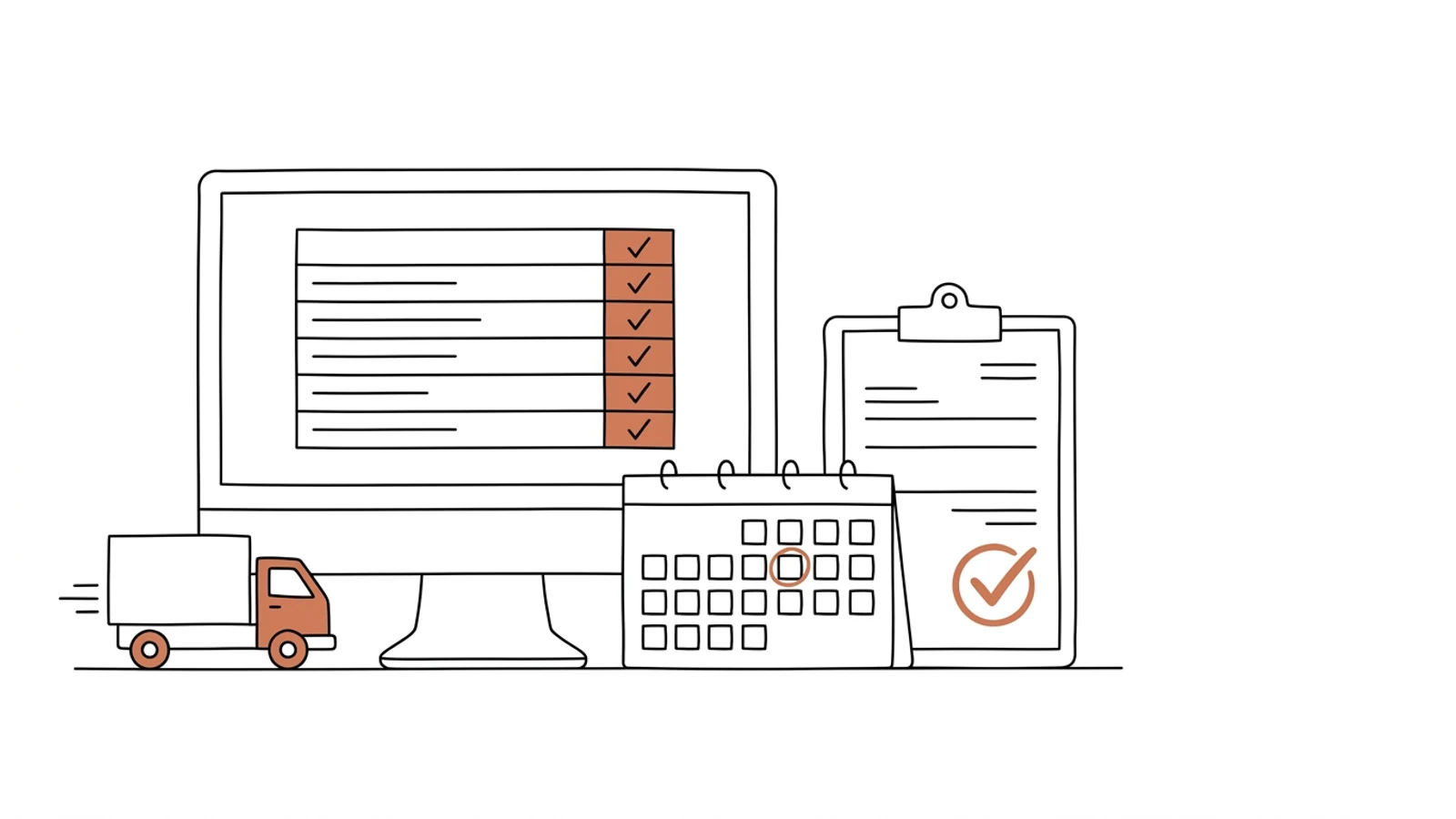
The supplier enters the date, and the buyer sees the delay right away

Purchase orders, confirmations, delivery notices, invoices and claims in a portal under your brand. The history of every line in one place instead of the buyer's inbox.

Does this sound like your purchasing team?

An order confirmation is an email you have to find

The supplier replied "ok, shipping next week" under an order from a month ago. The buyer searches a thread with forty replies.

You learn about a delay when the truck does not show up

The delivery date changed on the supplier's side two weeks ago. Nobody wrote. The rep promised the customer the goods for Friday.

A claim against a supplier drags on for weeks

Photos in one email, the damage report in another, the credit note in a third. Who agreed what and when is known only to the person who ran the thread, if they still work here.

Eight parts that make up the portal

The portal shows suppliers what your ERP and your buyer already know, and collects from them what arrives by email today. We set the scope around your largest suppliers.

Purchase orders in the portal

An order from the ERP appears for the supplier with lines, quantities and the expected date. The supplier confirms line by line or proposes a change, which the buyer accepts.

Dates and delivery notices

The supplier enters the date and announces the delivery with the number of pallets. The buyer and the warehouse see the change right away.

Documents attached to the order

Delivery specification, certificates, safety data sheets, the invoice. Under the purchase order number, available to the buyer, the warehouse and accounting.

Invoices and reconciliation

The supplier invoice compared with the order and the receipt. A difference in price or quantity is visible before posting, and the payment status is visible to the supplier.

Claims with history

A report from the warehouse with photos and a damage report reaches the supplier in the portal. Reply, credit note and decision in one thread, under the order line.

Item data and price lists from suppliers

The supplier updates price lists, EAN codes, case quantities and lead times in the portal. The buyer approves, the ERP receives ready data.

Supplier scorecard

On-time delivery, completeness and number of claims per supplier, from portal data. For next year's terms negotiations.

Supplier accounts and permissions

The supplier adds their own sales contact, logistics person and accountant. Each sees what concerns them. Under your domain and brand.

What AI does in the supplier portal

Three years ago features like these needed a data science team. Today language models read emails, documents and photos, and we build them into the system we make for you. Below is what makes sense in this solution. A person approves, AI prepares.

A confirmation from email into the portal

A supplier who will not log into the portal keeps writing emails. AI reads the reply and enters the date or quantity change against the order, and the buyer approves.

Example email "lines 3 and 7 not until 14 Oct, the rest on time" → two lines with a new date for the buyer to accept

Invoices and specifications read

A PDF invoice or a scanned delivery specification becomes lines compared with the order and the receipt. The accountant sees the differences instead of re-keying.

Example a 32-line invoice → 30 matching, 2 with a price higher than on the order, highlighted

A delay predicted from history

The model knows each supplier's punctuality. When an order nears its date with no delivery notice and the supplier is usually late, the buyer gets a warning.

Example an order due Monday with no notice by Thursday, supplier late on 6 of the last 10 → an alert with a suggested follow-up and the list of customers waiting for the goods

Draft claims and replies

From the warehouse photos and damage report, AI assembles a claim with lines and amount. The buyer reads, edits, sends.

Example 3 photos of damaged cartons and a damage report → a ready claim to the supplier with batch number and a request for a credit note

Effects you see in the first month

  • The buyer sees a date change on the day the supplier enters it, not when the truck fails to arrive
  • The supplier invoice is compared with the order and the receipt before it reaches posting
  • A claim has one thread with history, so taking over after a buyer leaves takes an hour instead of a week
  • The dock knows tomorrow's deliveries from notices in the portal, not from the driver's phone call
What it connects to

Works with what you already have

Purchase orders are created in the ERP and return there confirmed. The portal is a window for the supplier, not a second purchasing system.

Comarch ERP XLComarch Optimaenova365SAP Business OneSubiekt nexoSymfoniaStreamsoftEDI (EDIFACT)GS1KSeFe-DoręczeniaGUS/KRSSMSAPISSO login

From orders to claims

The first version collects confirmations and dates, because that is where most gets lost. Invoices and claims follow once the first suppliers are logging in.

01

Scope and mockups

We sit down with the head of purchasing and a buyer. We write down what arrives from suppliers by email today and which data drifts from the ERP. We draw the screens, you approve.
2 weeks
02

Orders, confirmations, delivery notices

A portal with logins for the first group of suppliers, orders from the ERP, line confirmations, dates and delivery notices. Under your domain.
6–8 weeks
03

Invoices, documents, claims

Invoice reconciliation against receipts, documents attached to orders, claim threads, supplier scorecard.
4–6 weeks
04

Supplier onboarding

Invitations, a guide under your brand, support during the first logins. Suppliers who stay off the portal keep emailing, and AI reads their replies.
2–3 weeks

Does your company run on Excel, emails and a system from years ago? We will build the solution that puts it in order, with AI inside from the start.

You have the diagnosis, we build the solution. Web applications, B2B portals and automations for companies without a large IT department. Today a system can read emails and documents, suggest decisions and answer customers on its own, so we build that in from the first version, not as an add-on a year later.

We agree scope, price and dates upfront, show progress every week, and the code and data stay yours.

  • scope, price and dates upfront
  • progress every week
  • your code and data

Common questions

Will suppliers want to log into yet another portal?
Large ones usually have their own systems and prefer EDI, so we connect EDI. Smaller ones log in because the portal shows them the status of their invoice and payment. Those who refuse keep writing emails, and AI enters their replies against the order.
Do we still create purchase orders in the ERP?
Yes. The order is created in Comarch, enova or Subiekt and appears in the portal. The supplier's confirmation and date return to the ERP. The buyer does not work in two places.
What does the supplier see, and what not?
Only their own orders, invoices and claims. They do not see other suppliers' prices or stock, your margins or your end customers.
Can KSeF be connected?
Yes. A supplier invoice from KSeF lands in the portal and in reconciliation against the order automatically, without waiting for a PDF by email.
Who owns the code and the data?
You do. The code in your repository, the data in your database in Poland or the EU. Suppliers have access only to their own data, and you can change vendors at any time.

Let's talk about a portal for your suppliers

You tell us how you confirm orders today and where dates get lost, we tell you what to show suppliers in the portal and how long it takes.

Write to us
or email hello@udb.pl hello@udb.pl