Logistics

Order, loading and invoice in one flow

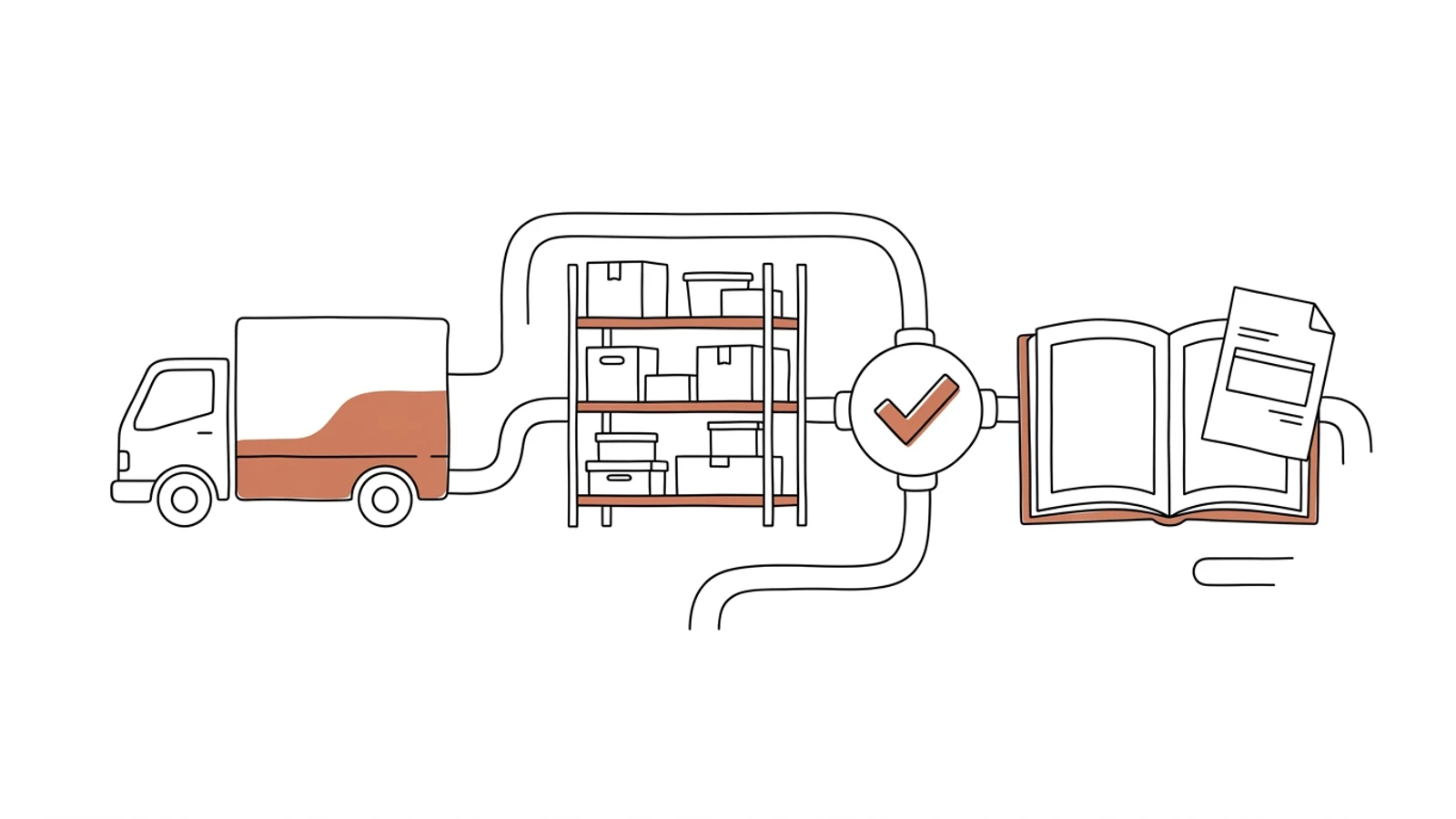
Vehicle statuses come back to the order, warehouse documents feed the settlement, carrier costs land in the ERP. One order entry instead of three.
Does this sound like your office?

The same order typed three times

Into the TMS, the WMS and the ERP. Three chances for a typo in the order number and three versions of the truth about one shipment.

The invoice waits for a CMR sitting in the truck

Delivered on Monday, the document comes back on Friday, the invoice goes out the following week. Payment terms start counting from then.

Month-end close is two days of reconciliation

An export from the TMS, an export from the ERP, a spreadsheet with formulas. Two people hunting for why the totals differ.

Seven parts that make up the integration

We do not replace systems that work. We connect them so that data entered once reaches everywhere it is needed.

Integration bus

A message queue with retries. When the ERP is down for an hour, nothing is lost, the data arrives once it is back.

Data mapping

Customers, item codes, units and statuses from different systems brought into one dictionary. Set once, applied to every message.

Order and status sync

An order in the TMS creates a dispatch note in the WMS, loading closes the note, the status from the driver app returns to the order.

Documents pinned to the order

CMR, dispatch note, POD and delivery photos under the order number. The invoice can go out when the POD arrives, without waiting for paper.

Carrier and cost settlements

Subcontractor costs, road tolls and fuel posted to the right order in the ERP.

Integration monitor

Every message visible: passed, waiting, rejected and why. An alert goes to the person who can fix it.

Change log

Who changed order data, when and in which system. For audits and for resolving claims.

What AI does in the integration

Three years ago features like these needed a data science team. Today language models read emails, documents and photos, and we build them into the system we make for you. Below is what makes sense in this solution. A person approves, AI prepares.

Field mapping with suggestions

AI proposes how customers, item codes and units match across systems. A person approves, the system remembers.

Example "P.H.U. Kowalski" in the TMS and "PHU KOWALSKI SP. Z O.O." in the ERP → one match proposal to click

Unstructured documents into data

A CMR scan, a delivery-slot email, a customer order PDF become a message on the bus, as if they came from an API.

Example a delivery-slot email → a dispatch note in the WMS and a status in the TMS with no re-keying

Anomalies in the flow

An unusual amount, a duplicated order, a missing status in the chain. The alert arrives before the invoice goes out.

Example two orders with the same customer reference within an hour → the second one held for a decision

Integration errors explained

The monitor describes in plain language what went wrong and what to do, instead of showing an error code.

Example "The ERP rejected the invoice: the customer has no tax ID on file. Add it and click retry."

Effects you see in the first month

  • You enter the order once, the systems pass the rest between themselves
  • The invoice goes out on delivery day, because the POD comes from the app, not from the truck
  • Month-end close without reconciling exports, because there is one set of data
  • You see an integration error in the monitor before the customer notices it
What it connects to

Systems we have connected

If a system has an API, we connect directly. If not, we work with exports, the database or EDI files.

SpeedinterLANFireupComarch ERPSAPenova365NavireoEDIFACTGS1Trans.euWebfleetKSeFbank statement import

Flow by flow

We start with the flow that hurts most. Usually that is order → dispatch note → invoice. The next ones follow once the first is running.

01

Map of flows and fields

We write down which data moves between systems, who re-keys it today and where discrepancies arise.
2 weeks
02

First flow

Order → dispatch note → invoice running in production for one branch or customer group. Integration monitor from day one.
6–8 weeks
03

Further flows

Vehicle statuses, documents, carrier settlements, EDI with large customers.
2–3 weeks each
04

Monitoring and handover

Alerts, documentation, training for the person who will look after the integration on your side.
2 weeks

Does your company run on Excel, emails and a system from years ago? We will build the solution that puts it in order, with AI inside from the start.

You have the diagnosis, we build the solution. Web applications, B2B portals and automations for companies without a large IT department. Today a system can read emails and documents, suggest decisions and answer customers on its own, so we build that in from the first version, not as an add-on a year later.

We agree scope, price and dates upfront, show progress every week, and the code and data stay yours.

  • scope, price and dates upfront
  • progress every week
  • your code and data

Common questions

Does our TMS vendor need to provide anything?
Usually API documentation or read-only database access. We have worked with most Polish TMS vendors and know what to ask for.
What if one of the systems has no API?
We work with file exports, direct database access or interface automation. Slower, but it works and still goes through the monitor.
Do we need to replace the ERP?
No. Integration makes sense precisely when the ERP stays. If the analysis shows the ERP is the problem, we will say so plainly.
What happens when one link goes down?
Messages wait in the queue and pass once it is back. Nothing is lost, and the monitor shows the backlog and the time to clear it.
Who maintains the integration?
We can, for a fixed monthly amount, or your IT person after training and with documentation. The code is yours.

Let's talk about your systems

You tell us which data you re-key by hand, we tell you which flow to start with and how long it takes.

Write to us
or email hello@udb.pl hello@udb.pl