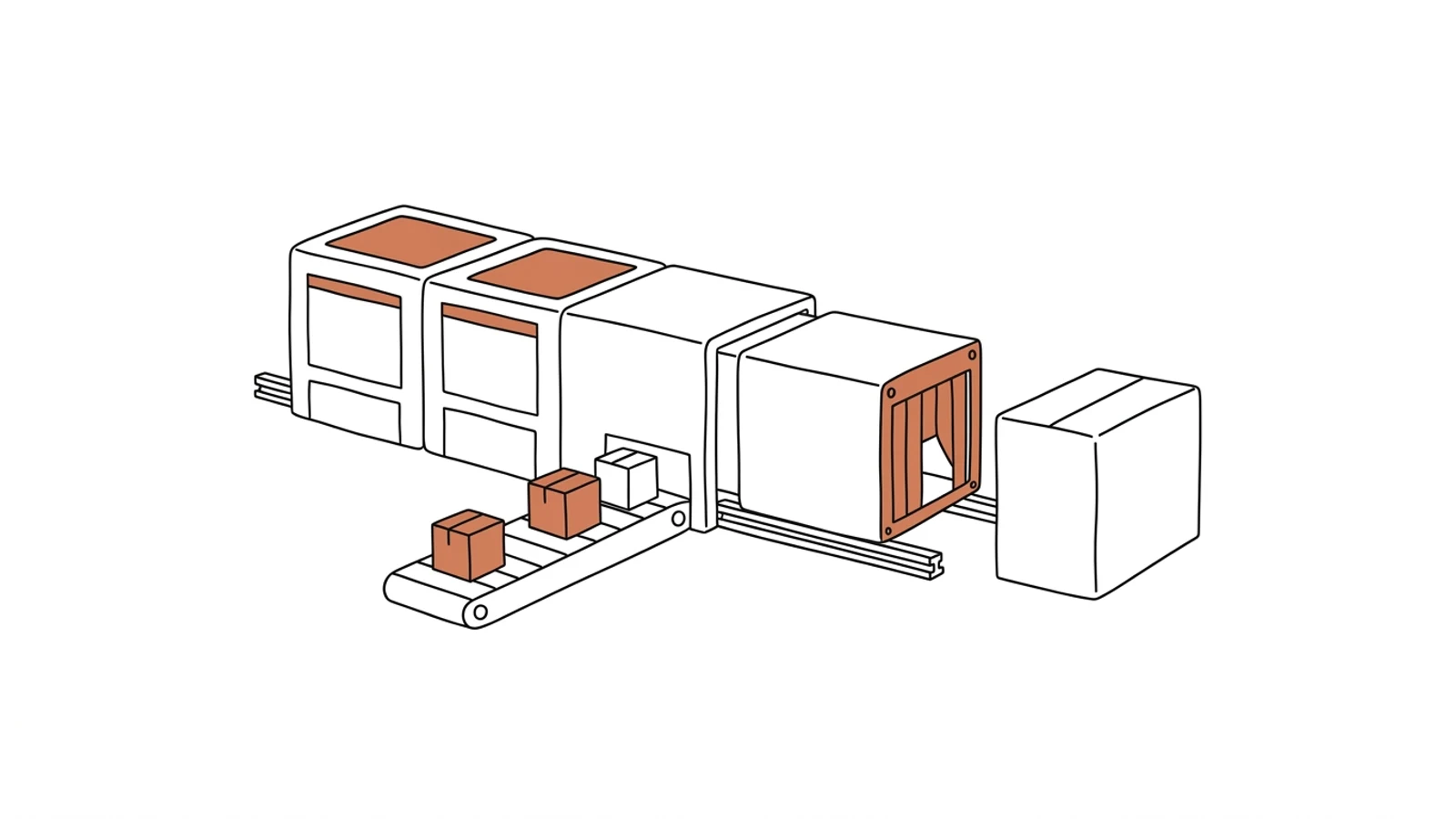
An ERP that fits your process, replaced module by module
Item masters, BOMs and routings carried over in full, the old system running alongside until the new one takes over. Production keeps going, and the spreadsheets next to the ERP disappear one by one.
The order is created in the ERP, but times, batches and shortages are noted in a spreadsheet next to it. A new hire learns the system, then separately learns what not to do in it.
02
Month-end close is exports and formulas
Accounting calculates product cost from three exports and a spreadsheet with macros. When the result disagrees with the warehouse, two days go into finding the true version.
03
The ERP vendor says "that can't be changed"
Every process change means a request to the vendor, a quote and a quarter of waiting. The plant adapts to the system.
What you get
Eight parts that make up the modernization
We start with the module that hurts most and leave in the old system whatever works.
Process audit and workaround map
We write down what the ERP does, what the spreadsheet next to it does and who re-keys what. Out of that comes the module replacement order.
Item masters, BOMs and routings
Item codes, product structures, process sheets and work centers migrated with duplicates cleaned up. One item master instead of three versions of a part.
Production orders your way
The order follows your process: stages, work centers, batches, quality checks where they really happen. No fields nobody fills in.
Raw material and finished goods warehouse
Receipts, issues to production, returns from the floor and batches with a scanner. System stock equals what sits on the rack.
Bridge to the old system
The new module exchanges data with the old ERP in both directions. Accounting closes the month where it always has, until its turn comes.
Product cost calculated as you go
Material, labour and machine time add up to the actual cost per order. Variance against planned cost shows before month-end.
Invoices, KSeF and EDI
Sales invoices go to KSeF, orders from retail chains come in through EDI with no re-keying.
Owner's dashboard
Orders in progress, delays, margin per order and stock level on one screen.
AI in the system
What AI does in the ERP
Three years ago features like these needed a data science team. Today language models read emails, documents and photos, and we build them into the system we make for you. Below is what makes sense in this solution. A person approves, AI prepares.
An order from an email into the system
AI reads the customer's email or PDF, matches the lines to your item master and prepares an order for the salesperson to approve.
Example email "400 brackets like in March please, due 15 Oct" → an order with item code, quantity and due date, ready to click
Master data cleanup during migration
AI points out duplicate item codes, customers entered three different ways and BOMs with missing lines. The process engineer approves the merge.
Example "Bolt M8x40 zinc" and "BOLT M8 40 ZN" → one merge proposal with the list of orders that use them
Cost variance caught earlier
The model compares an order's actual cost with the history of similar ones. When material or time is off, the manager gets an alert before the order is closed.
Example sheet metal usage higher than on the previous ten orders of the same series → an alert with a breakdown by operation
Ask the system in plain language
The owner or a manager asks without a report from IT. The answer comes from the ERP database.
Example "which orders this month have a margin below plan?" → a list of orders with the variance amount
What changes
Effects you see in the first month
The production order follows your process, so the spreadsheets next to the ERP are no longer needed
Actual order cost is visible during the month, because material and machine time enter the system as they happen
A process change goes onto the development queue and ships in the next release
Accounting closes the month from one source, because warehouse, production and sales sit in one database
What it connects to
Works with what you have in the plant
If part of your current ERP works, it stays and exchanges data with the new modules.
One module moves to the new system, the rest works as before, until every module that should move has moved.
01
Audit and module order
We sit down with the production manager, the warehouse and accounting. We write down the process, the workarounds and the data to migrate, and agree which module goes first.
2–3 weeks
02
First module in production
Usually production orders or the warehouse. Master data migration, a bridge to the old ERP, the first group of users in the new system.
8–12 weeks
03
Further modules
Warehouse, product cost, sales with KSeF and EDI, owner's dashboard. Each after the previous one is verified.
4–6 weeks each
04
Switching off the old system
Final history migration, the old ERP kept read-only. Training for the person who will look after the system on your side.
2 weeks
Does your company run on Excel, emails and a system from years ago? We will build the solution that puts it in order, with AI inside from the start.
You have the diagnosis, we build the solution. Web applications, B2B portals and automations for companies without a large IT department. Today a system can read emails and documents, suggest decisions and answer customers on its own, so we build that in from the first version, not as an add-on a year later.
We agree scope, price and dates upfront, show progress every week, and the code and data stay yours.
No. Modules move one after another and the old ERP runs until the end. Migrating a module's data takes a weekend; on Monday the shift starts in the new system.
What happens to the data in our current ERP?
Item masters, BOMs, routings, stock and customers carry over in full, with duplicates cleaned up. Order history stays in the old system in read-only mode or moves into the new one.
Do you modernize the current system or write a new one?
It depends on the audit. If Comarch or SAP Business One handles accounting and sales well, it stays and we add production and the warehouse. If the system blocks the process, we replace it in stages.
Who owns the code and the data?
You do. The code goes into your repository, the database is yours, with no per-seat licence fees. You can change vendors at any point.
What does maintenance cost after the rollout?
Hosting, backups and monitoring are a fixed monthly amount that depends on scale. Development is billed by the queue you set.
Let's talk about your ERP
You tell us what you do in the system today and what you do next to it, we tell you which module to start with.