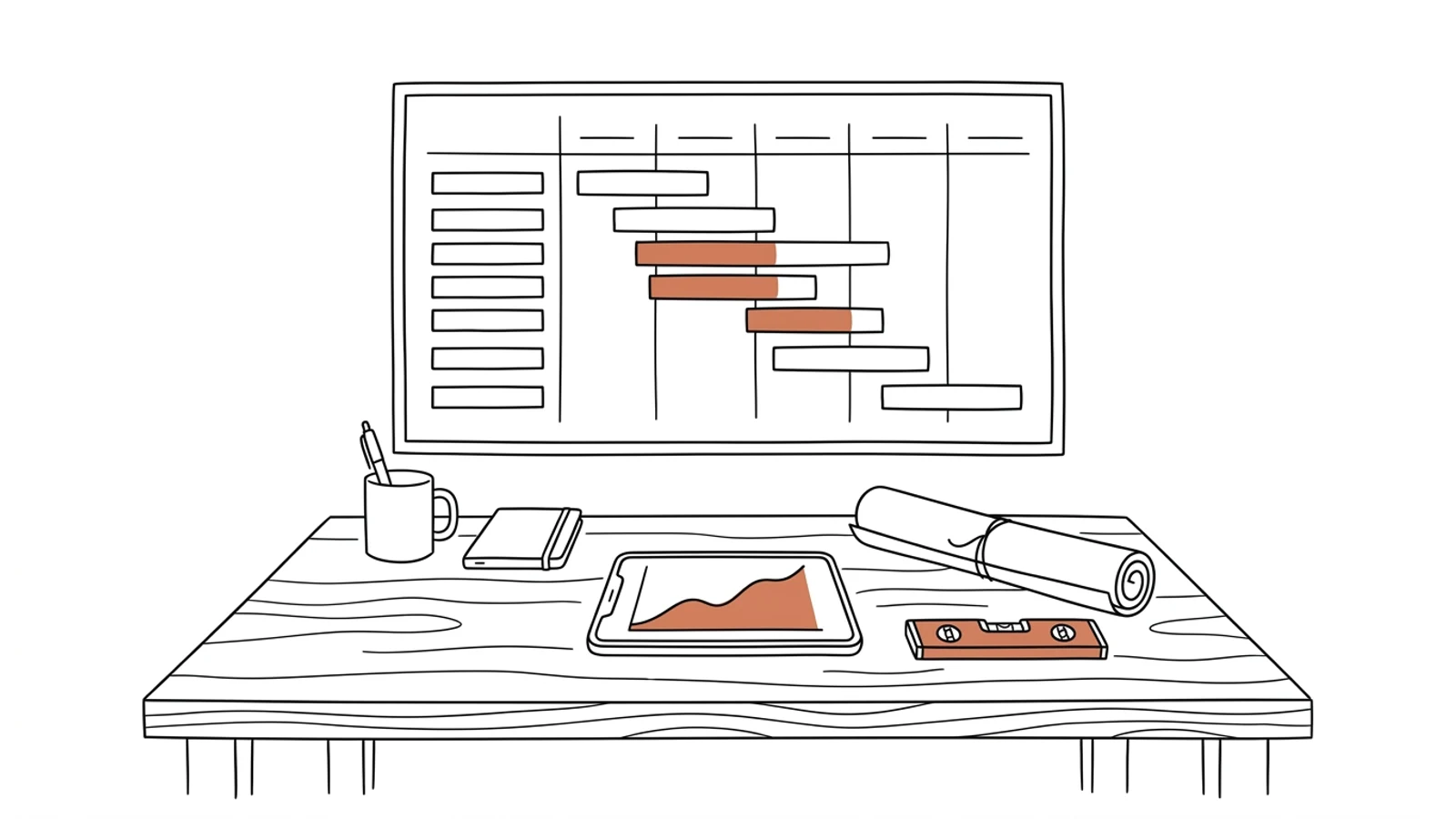
A site whose status you know on Wednesday, not at quarter end
Schedule, budget from the bill of quantities, site progress and variations in one place. The site manager enters data from a phone, the office sees the cost overrun the same week.
Schedule in MS Project, budget in Excel, the truth in the site manager's head
The schedule gets updated once a month before the site meeting. Someone else keeps the budget in a separate file. Ask how much is left for the structural shell and you get three different numbers.
02
Variations surface on the invoice
The subcontractor does extra work because the site manager asked verbally. The variation order is written up after the fact, and the client learns the cost from the invoice and refuses to pay.
03
Site diary and photos across three phones
Site photos sit in the manager's messaging app, diary entries in a binder in the site office, meeting notes in an email. Two years later, at a warranty claim, nobody can find when the slab got flooded.
What you get
Eight parts that make up the system
Built around your sites, your site managers and the files you work in today. We agree the scope and rollout order together.
Schedule tied to the budget
Stages, tasks and milestones from MS Project or Excel, each with a planned cost. Moving a date shows immediately what happens to cash flow.
Budget from the bill of quantities
Import of the estimate from Norma PRO or Zuzia. BoQ items become the stage budget, and every cost invoice lands on a specific item.
Progress from the site
The site manager or foreman marks work done on a phone: percentage, measured quantity, photo. The progress curve draws itself, with no report written on Friday evening.
Variations and substitutions
Request, variation order, pricing, client approval and contract amendment in one thread. Nobody starts extra work without a record of who ordered it and for how much.
Site diary and meeting notes
Entries, photos, weather and site meeting decisions filed by date and stage. Entries ready to carry over to the electronic site diary (EDB) when you keep it digitally.
Handovers and protocols
Partial and final handovers with a snag list, photos and a signature on a tablet. The handover protocol is generated from data already in the system.
Deviations and alerts
Stage cost over plan, a critical-path task stalled for a third day, a missing handover before the next stage. The alert reaches the project manager before the site meeting convenes.
Management dashboard
All sites on one screen: progress, cost against plan, variations awaiting approval, forecast margin. Works on a phone on the way to site.
AI in the system
What AI does in the project system
Three years ago features like these needed a data science team. Today language models read emails, documents and photos, and we build them into the system we make for you. Below is what makes sense in this solution. A person approves, AI prepares.
The estimate read, not re-keyed
AI reads the estimate as a PDF or a Norma export, recognizes sections, items, quantities and prices, and builds a stage budget for the estimator to approve.
Example a 340-item tender estimate in PDF → a stage budget with items pinned to schedule tasks
Site photos described
A phone photo gets a stage, a location and a proposed diary entry. The site manager corrects one word instead of writing a paragraph.
Example a photo of slab reinforcement → entry "ground-floor slab reinforcement, grid A–D, ready for inspection" with a date and schedule item
Slippage warning from history
The model compares the pace of work with the plan and with previous sites. When a stage will not close on time, it says so before you see it in the schedule.
Example plastering slower than planned for the third week running → an alert with a delay forecast and the impact on flooring
Ask the site
Instead of digging through spreadsheets, you ask in plain language. The answer comes from system data.
Example "how many variations are waiting for client approval at Wilanów?" → a list of four with amounts and submission dates
What changes
Effects you see in the first month
You see the cost overrun in the week it appears, because the invoice lands on a budget item
Variations have a variation order and approval before work starts, so the client does not reject the invoice
The site meeting starts from the current status on screen, without two days of gathering data
Management knows the forecast margin on every site without calling the site managers
What it connects to
Works with what you have in the office and on site
We import the schedule from MS Project and the estimate from Norma rather than re-keying them. Invoices and costs go to your ERP, entries to the EDB if you keep an electronic site diary.
MS ProjectExcelNorma PROZuziaComarch ERP XLenova365SymfoniaSAP Business OneEDBAutodesk RevitIFCGoogle DriveSharePointKSeF
How we deliver
From one site to all of them
We start with one site that is about to begin or is halfway through. The site manager works in the system alongside the spreadsheet until the spreadsheet is no longer needed.
01
Analysis on site and in the office
We go to the site and sit down with the site manager, the estimator and the accountant. We write down how the schedule is built, where the budget ends and where variations come from.
2–3 weeks
02
First site in the system
Schedule, budget from the estimate, progress from the phone and variations for one site. The site meeting runs from the system screen.
8–12 weeks
03
Handovers, diary, ERP
Handover protocols, site diary, invoices connected from the ERP. Further sites join once the first one is running.
4–6 weeks
04
Development by your queue
New reports, a management dashboard for further project companies, changes for a new client's requirements. You set the order, we ship every two weeks.
ongoing
Does your company run on Excel, emails and a system from years ago? We will build the solution that puts it in order, with AI inside from the start.
You have the diagnosis, we build the solution. Web applications, B2B portals and automations for companies without a large IT department. Today a system can read emails and documents, suggest decisions and answer customers on its own, so we build that in from the first version, not as an add-on a year later.
We agree scope, price and dates upfront, show progress every week, and the code and data stay yours.
If entering progress takes longer than a call to the office, they will not. That is why the phone app has three screens: task, percentage, photo. The office or AI fills in the rest from that photo.
What about schedules in MS Project and estimates in Norma?
We import them. MS Project and Excel through a file import, Norma PRO and Zuzia through the estimate export. The estimator keeps working in their own program, the system reads the result.
Do we have to stop running sites for the rollout?
No. The first site enters the system from its current stage, and we backfill history from the spreadsheets. The other sites follow one after another.
Who owns the code and the data?
You do. The code goes into your repository, the data sits in your database on servers in Poland or the EU. Documentation of a finished site stays available for the whole warranty and defects period.
What does maintenance cost?
Hosting and monitoring are a fixed monthly amount that depends on the number of sites, with no per-user fees, so the site inspector and subcontractors can have access at no extra charge. Changes are billed by the queue you set.
Let's talk about your sites
You describe how the site meeting runs today and where its numbers come from, we tell you what can be done and how long it takes.