Architecture

The client sees for themselves what stage the project is at

Stages, drawing revisions, permit-office deadlines and team workload in one place. The client opens a link, approves a stage, comments on a floor plan and signs the contract electronically. ArchiFlow from day one, studio-specific additions in the following weeks.

Does this sound like your studio?

The current floor plan is in someone's inbox

The contractor asks for the ground floor plan. Revision C went by email on Tuesday, revision D sits in the shared folder, and someone on site is working from B.

Wednesday, 11:40, the client calls for an update

"How is the project going?" interrupts work on a detail. The answer takes a quarter of an hour, and the question comes back a week later.

Stage approval drags on for two weeks

The concept went out by email, the client replied "ok, but…" with three remarks, then silence. The stage invoice waits, because nobody knows whether the stage is closed.

Eight parts that make up the system

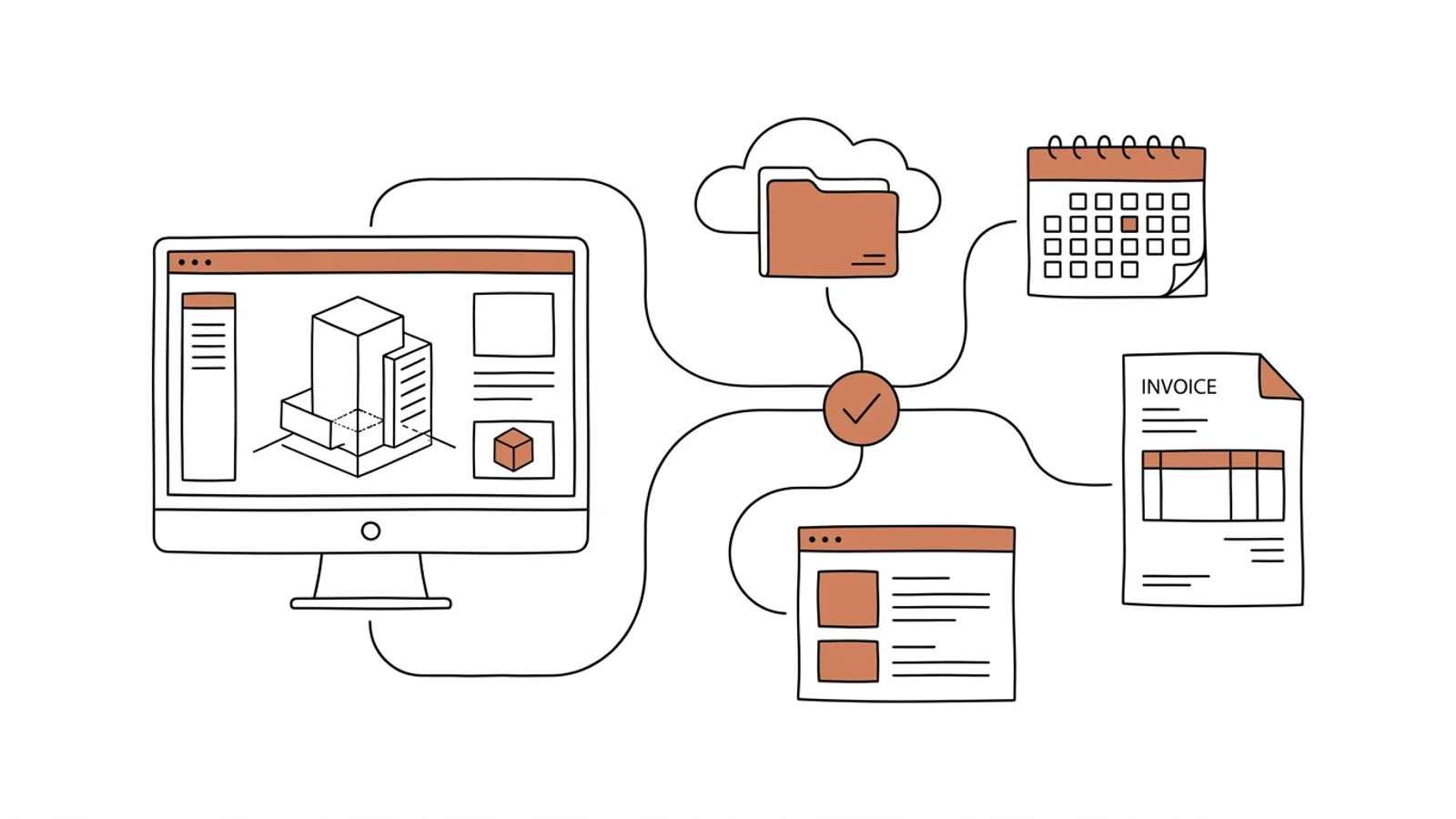
ArchiFlow provides stages, the portal, e-signatures, permit documents and files on Drive. We fit them to your studio and add drawing revisions, permit deadlines and team workload.

Stages and schedule

Concept, permit design, detailed design, site supervision, with subtasks, status and share of the fee. Eight ready-made stage sets you can adjust to your studio.

Client portal

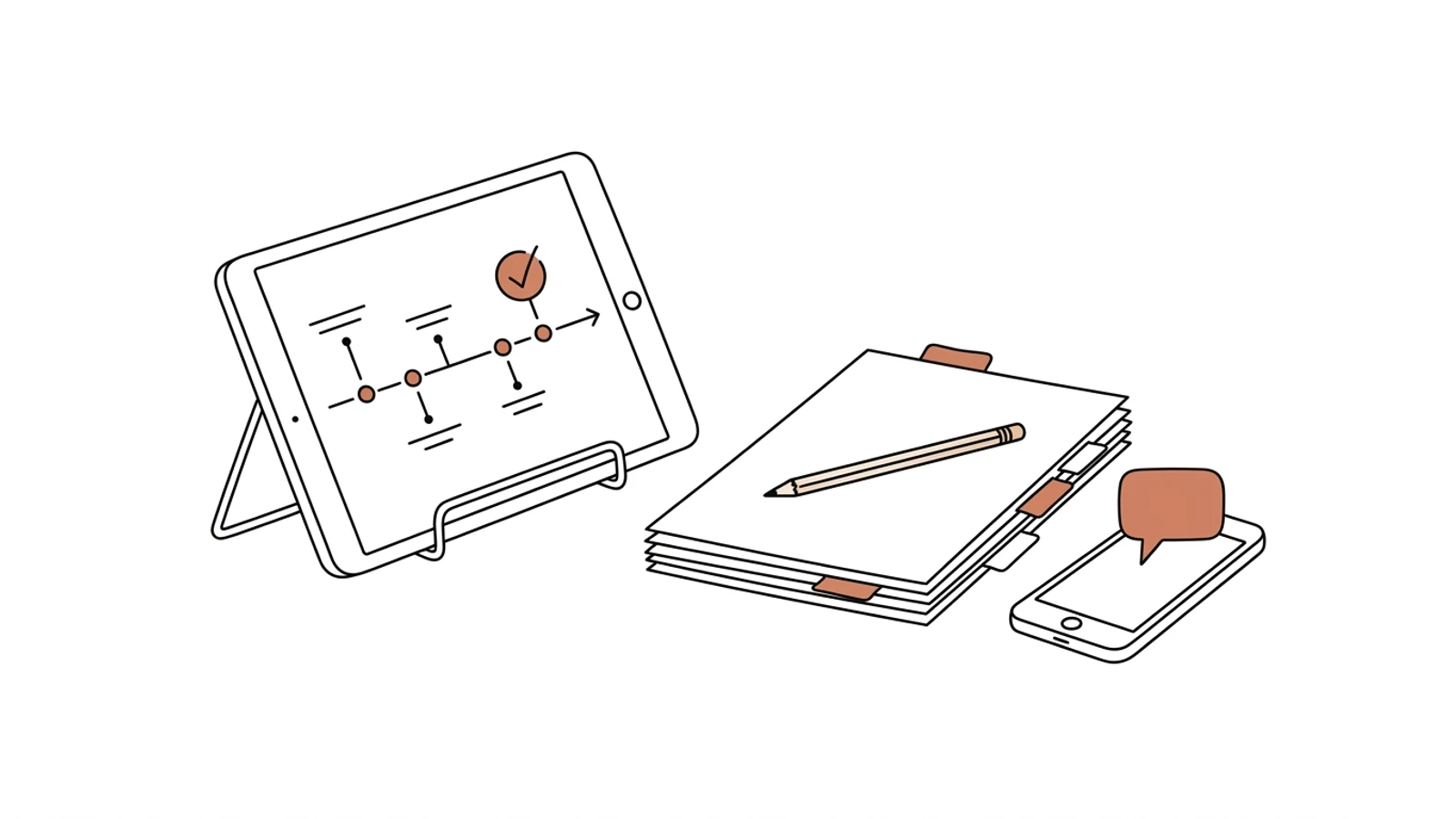
One link to all of the client's projects. They see what is new since their last visit, what they need to do and what the studio is working on. Works on a phone, in your studio's colours.

Drawing revisions with a single source of truth

Every drawing has a revision number, a date and a status: draft, for approval, current. Previous versions stay in the history, the contractor downloads only the current one.

Drawing comments and discussion

The client marks a spot on the floor plan and writes a remark. One thread per project, email notifications for new messages and completed stages.

Stage approvals and signatures

The client approves a stage with a click and signs contracts and declarations with a trusted profile on gov.pl. The signed PDF lands in the project folder.

Permit-office deadlines

Building permit application date, the deadline to respond to a request for supplements, validity of zoning decisions and approvals. The lead architect gets a reminder before the date.

Permit documents from project data

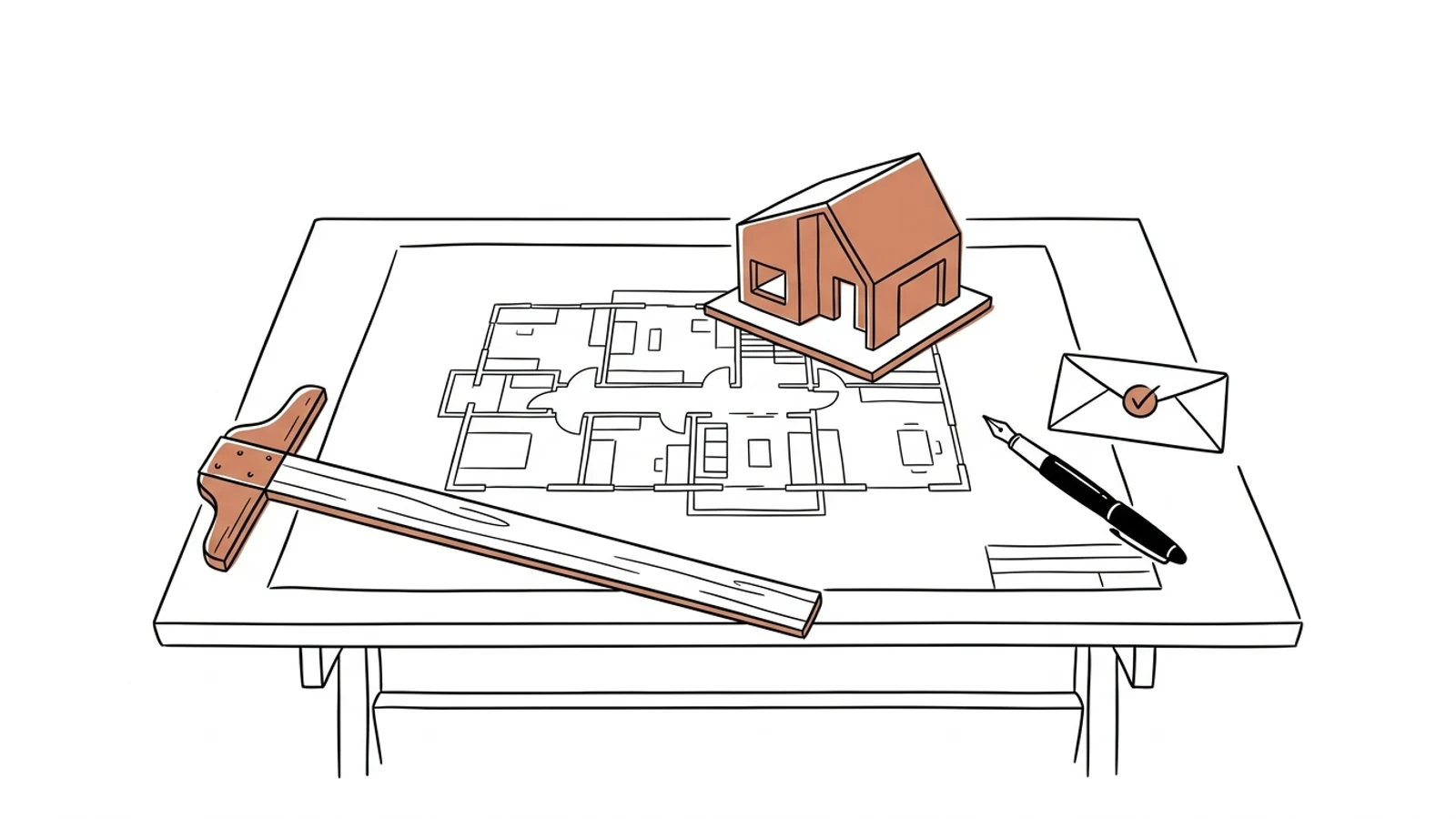
Power of attorney, PB-1 and PB-5 permit forms, a reply to an office request. Studio, client and plot data fill in on their own, you check for gaps and download DOCX or PDF.

Team workload

Who leads which projects and stages, how many hours are planned this month, who has room for a new inquiry.

What AI does in running a project

Three years ago features like these needed a data science team. Today language models read emails, documents and photos, and we build them into the system we make for you. Below is what makes sense in this solution. A person approves, AI prepares.

Email remarks into the project thread

AI reads the client's email with remarks on the concept, splits it into points and pins them to drawings and the stage. The architect approves the list before it becomes tasks.

Example an email with seven remarks on the first-floor plan → seven comments on the drawing, each with a "to do" status
Office letters read automatically

A scanned request for supplements becomes a list of points with a deadline. The deadline goes into the project calendar, the points into the stage's tasks.

Example a district office request with a 14-day deadline → three gaps on the task list, a reminder 4 days before the deadline

A warning about a stage at risk

The model compares subtask progress with the schedule and the history of similar studio projects. When a stage will miss its permit-office date, it warns the lead architect.

Example permit design 40% complete three weeks before the planned application date → an alert with a proposed task reshuffle

Answers for the client in the portal

An assistant answers questions about progress and documents from project data, in plain language. Questions beyond the data go to the architect.

Example "when will the permit design be ready?" → "the stage is 70% complete, planned completion 12 March, waiting for the utility operator's approval"

Effects you see in the first month

  • "How is the project going" calls disappear, because the client sees progress in the portal
  • The contractor downloads the current revision, because previous ones sit in the history rather than in an inbox
  • A stage closes with an approval in the portal, and the invoice can go out the same day
  • The permit-office deadline sits in the project calendar with a reminder, not on a sticky note by the monitor
What it connects to

Works with what you already have

Files stay on your Drive or Dropbox, ArchiFlow only organizes them. We connect invoicing and the calendar to the stages.

ArchiFlowGoogle DriveDropboxGoogle WorkspaceMicrosoft 365trusted profile (gov.pl)FakturowniawFirmaiFirmaKSeFArchicadAutodesk Revite-Doręczenia

From two projects in the portal to the whole studio

ArchiFlow works from day one. Revisions, permit deadlines and workload come in the following weeks, and projects keep moving.

01

ArchiFlow setup

We set up the studio, adjust the stage sets, connect the Drive folder. Two current projects go into the portal, and their clients get the link.
1–2 weeks
02

Revisions and comments

Revision numbering, drawing statuses, comments on the floor plan. The contractor gets access only to current versions.
3–4 weeks
03

Permit deadlines and workload

Deadline calendar with reminders, team hour plan, reading of office letters.
2–3 weeks
04

Moving the remaining projects

Current projects enter the system with their current revisions and deadlines. Completed ones stay archived on Drive.
1–2 weeks

Does your company run on Excel, emails and a system from years ago? We will build the solution that puts it in order, with AI inside from the start.

You have the diagnosis, we build the solution. Web applications, B2B portals and automations for companies without a large IT department. Today a system can read emails and documents, suggest decisions and answer customers on its own, so we build that in from the first version, not as an add-on a year later.

We agree scope, price and dates upfront, show progress every week, and the code and data stay yours.

  • scope, price and dates upfront
  • progress every week
  • your code and data

Common questions

Does the client need an account and training?
No. They get a link, open it on their phone and see progress, files and the discussion. They create an account only if they want to. The guide fits on one screen.
Where are our files?
Where they are today: in your studio's folder on Google Drive or Dropbox. ArchiFlow connects the folder, assigns files to stages and shows them to the client. Disconnect the system and the files stay.
What about projects we run today in email and Excel?
Current ones move in the last step: stages, current revisions, deadlines. Email history stays in the mailbox, only open remarks go into the project thread.
Is a trusted-profile signature enough for a design services contract?
Design services contracts and declarations are signed in ArchiFlow with a trusted profile, the same way letters to public offices are. If your lawyer requires a qualified electronic signature, for example for a copyright transfer, we connect a qualified signature provider.
What does maintenance cost?
ArchiFlow is a per-studio subscription. Your studio's customizations we maintain for a fixed monthly amount, and we develop changes by the queue you set. The customization code is yours.

Updated:

Let's talk about your projects

Tell us how you send revisions and collect approvals today. We will show you the portal live and say what needs building for your studio.

Write to us
or email hello@udb.pl hello@udb.pl