Logistics

Customers check where their goods are by themselves

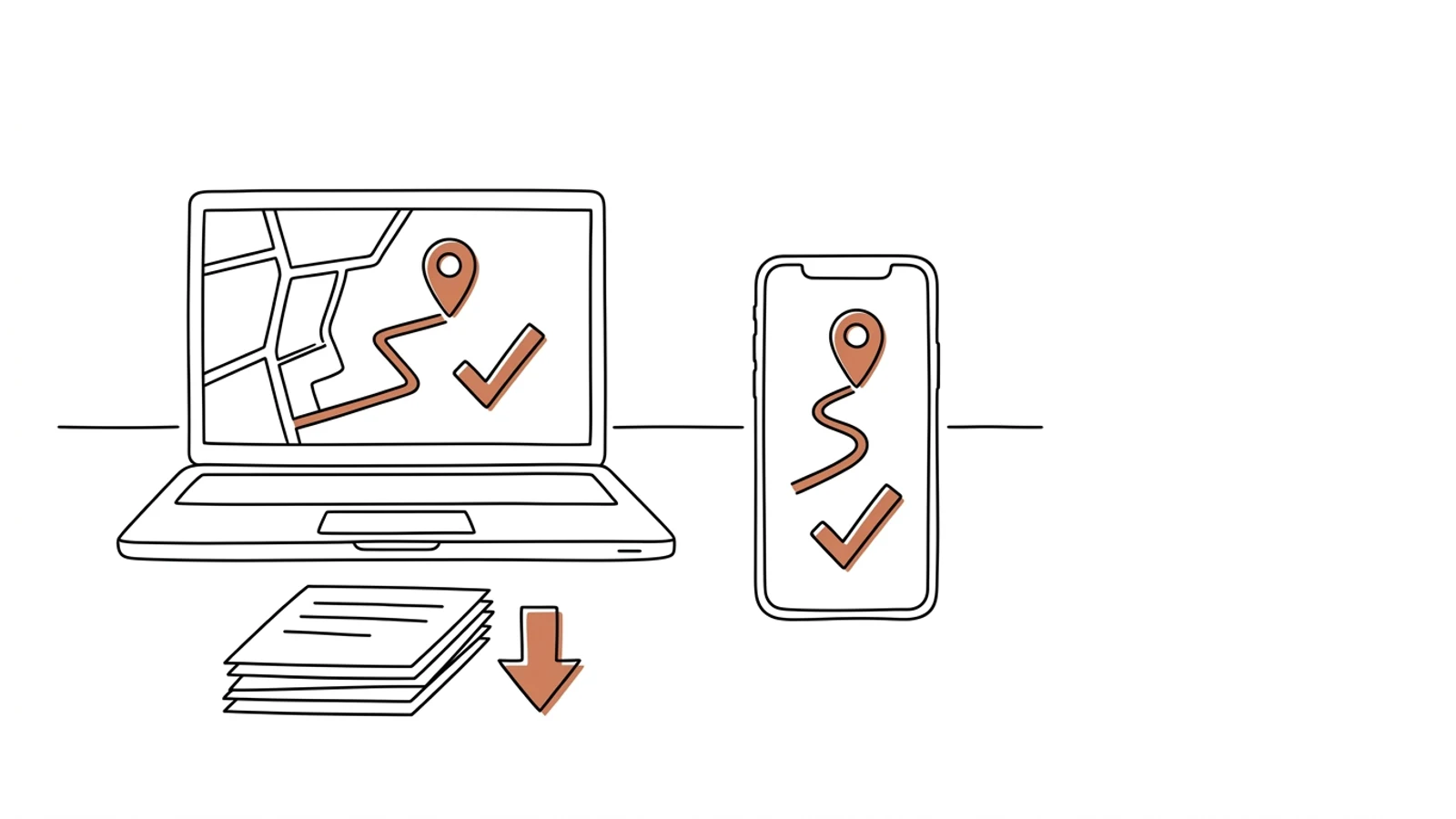
Statuses, delivery slots, CMR and POD downloads, claims in the portal instead of the dispatcher's inbox. Under your brand, for your customers.
Does this sound like your inbox?

Thirty "where is my shipment" calls a day

The dispatcher answers questions whose answers are in the system. Route planning waits.

A customer asks for a CMR scan from two months ago

Someone searches the binder or the mailbox, scans, sends. A quarter of an hour for a document the customer could download themselves.

Delivery slots agreed by phone and lost

A delivery time agreed on the phone, written on a note. The truck arrives, the dock is busy.

Eight parts that make up the portal

The portal shows the customer what your systems already know. We set the scope around what customers ask about most.

Shipment tracking with ETA

Status and estimated delivery time from the TMS and telematics. The customer sees the same as the dispatcher, without calling.

Slot booking with a calendar

The customer picks a delivery or collection slot from those available. The dock and the dispatcher see it immediately.

Document downloads

CMR, POD with photo and signature, invoices. Under the order number, available for years.

Transport ordering

A form with address suggestions, or a file import for customers who order dozens of shipments a day.

Claims with history

A report from the portal reaches the right person with the order number, photos and full context.

Customer accounts and permissions

The customer adds their own staff and decides who sees invoices and who sees only statuses.

Notifications

Email or SMS on status change, delay and delivery. The customer chooses what they want to hear about.

Your brand

Your company's logo, colours and domain. The customer sees you, not a third-party system.

What AI does in the customer portal

Three years ago features like these needed a data science team. Today language models read emails, documents and photos, and we build them into the system we make for you. Below is what makes sense in this solution. A person approves, AI prepares.

"Where is my shipment" answered without a person

An assistant in the portal answers from TMS and telematics data, in Polish or English, at any hour.

Example "when will order 2381 arrive?" → "the truck is 40 km from Wrocław, ETA 13:20"

Claims classified and prepared

A report with photos gets a category, a draft reply and reaches the right person with full context.

Example a photo of a crushed carton → "transport damage", a draft reply, handover to the claims team

Orders from an attachment

The customer uploads a PDF or Excel with a shipment list, the portal creates orders to confirm.

Example an Excel with 40 rows → 40 orders with addresses and slots, the customer clicks "confirm"

A monthly summary for the customer

A punctuality, claims and volume report generated from data, ready to send on the first day of the month.

Example "In July: 312 shipments, 97% within the slot, 2 claims closed in 3 days"

Effects you see in the first month

  • "Where are my goods" calls disappear from dispatch, because the answer is in the portal
  • A CMR from a year ago the customer downloads themselves, with no binder search
  • Delivery slots sit in a calendar the dock can see, not only the person who took the call
  • Customers see your company as the one with a portal and your competitors as the ones you have to call
What it connects to

The portal feeds on data from your systems

Statuses from the TMS or telematics, documents from the driver app, invoices from the ERP. The portal re-keys nothing, it only shows.

TMSWMSdriver appComarch ERPenova365SAP Business OneSMSAPIPostmarkSSO loginAPI for large customersWebfleetKSeF

From tracking to claims

The first version answers the customer's most frequent question: where are the goods and where are the documents. The rest follows once the first customers are using it.

01

Scope and mockups

We check what customers ask about most and draw the screens. You approve before any code is written.
2 weeks
02

Tracking and documents

A portal with login, statuses, ETA, CMR and POD for the first customer group. Under your domain and brand.
6–8 weeks
03

Slots and claims

Slot calendar, order form, claims with history. Email and SMS notifications.
3–4 weeks
04

Customer onboarding

Invitations, a short guide under your brand, support during the first logins.
2 weeks

Does your company run on Excel, emails and a system from years ago? We will build the solution that puts it in order, with AI inside from the start.

You have the diagnosis, we build the solution. Web applications, B2B portals and automations for companies without a large IT department. Today a system can read emails and documents, suggest decisions and answer customers on its own, so we build that in from the first version, not as an add-on a year later.

We agree scope, price and dates upfront, show progress every week, and the code and data stay yours.

  • scope, price and dates upfront
  • progress every week
  • your code and data

Common questions

Will the portal work with our TMS?
If the TMS exposes statuses through an API or export, yes. We check that in the first two weeks. When the TMS gives no statuses, we take them from telematics or the driver app.
Can customers order through an API?
Yes. Large customers connect their system directly, smaller ones use the form or a file import.
Where is the data stored?
On servers in Poland or the EU, in your infrastructure or with the cloud provider you choose. The data is yours.
Does the portal run under our brand?
Yes. Your domain, logo, colours, footer. The customer never sees the software vendor's name.
What does the customer see, and what not?
Only their own orders and documents. Purchase prices from carriers, margins and other customers' data never leave your office.

Let's talk about a portal for your customers

You tell us what customers call about, we tell you what to show them in the portal and how long it takes.

Write to us
or email hello@udb.pl hello@udb.pl