Logistics

A warehouse where the system stock matches the shelf

Scan-based receiving, path-based picking, rolling stocktakes. A new WMS or a modernized one, rolled out zone by zone, so the warehouse keeps running throughout.
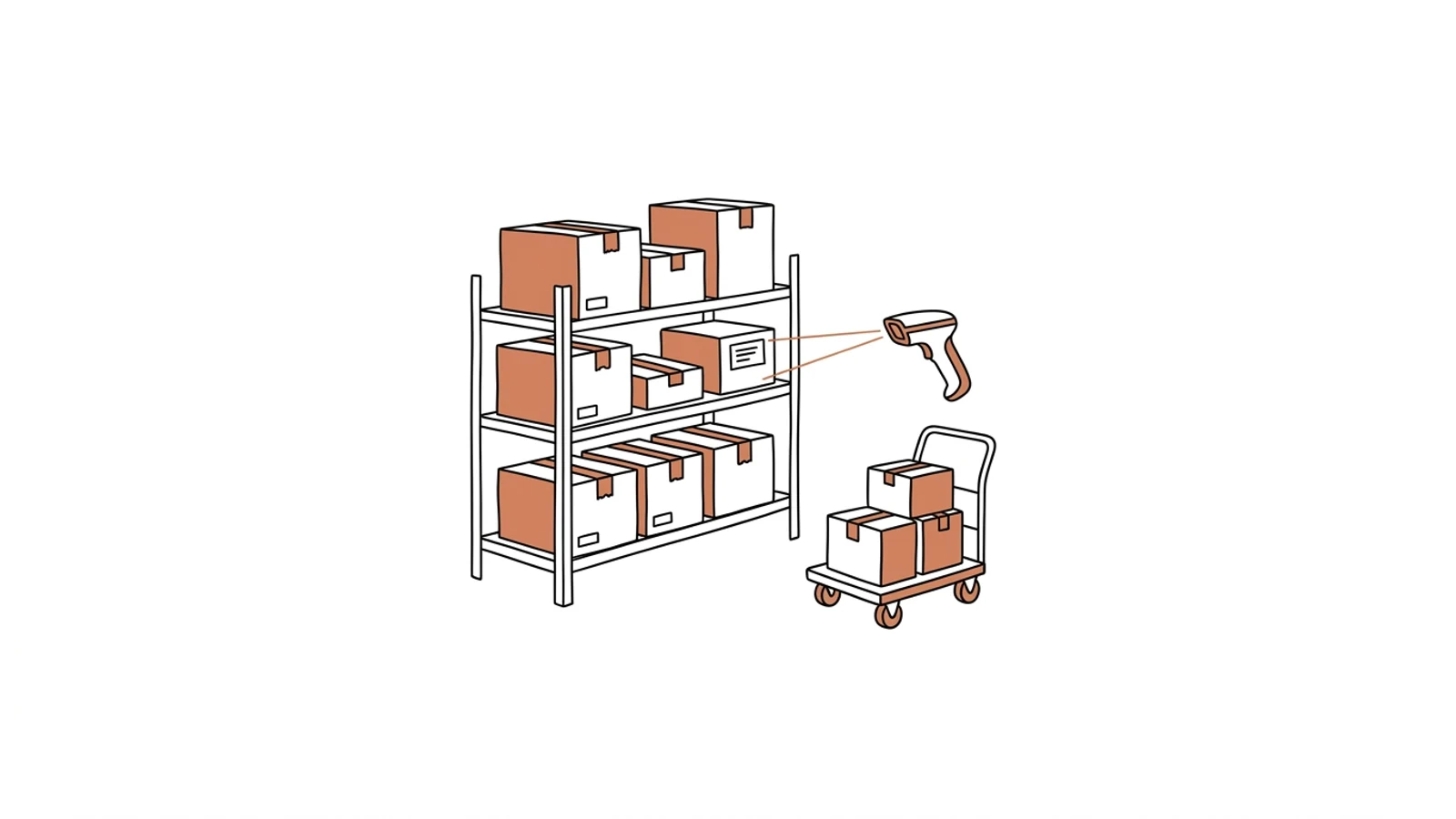
Does this sound like your warehouse?

Stocktake once a quarter, discrepancies every time

Counting takes a weekend, and the differences still need explaining on Monday. Nobody knows when the goods went missing.

Picking from the memory of the longest-serving picker

One person knows where everything is. When they take a holiday, throughput halves and shipping errors climb.

A new hire needs three weeks

A month passes before someone picks an order on their own. In peak season there is no time for that.

Eight parts that make up the system

We fit the scope to the warehouse: one setup for a cold store with pallets, another for e-commerce piece picking. The full set is below.

Scan-based receiving

Scan the pallet or carton, check quantities against the advice note, print the location label. A discrepancy shows at the dock, not at shipping.

Locations and storage strategies

FIFO, FEFO, fast-moving zones, places for hazardous goods. The system says where to put it and remembers where it is.

Wave and path picking

Orders grouped into waves, a path through the warehouse in location order, the scanner confirms every unit.

Packing and carrier labels

Parcel contents checked by scan, carton size suggested, carrier label printed without opening the carrier's website.

Rolling stocktake

A few locations counted every day during picking. The annual warehouse shutdown stops being necessary.

Returns and claims

Scan-based return intake, a decision on where the goods go next, a link to the original order.

Manager dashboard

Load for today and tomorrow, throughput per person, shortages to reorder, orders at risk of delay.

Terminal on a scanner or a phone

The same interface on Zebra, Honeywell and a regular Android phone. Big buttons, one-handed use, offline mode.

What AI does in the warehouse

Three years ago features like these needed a data science team. Today language models read emails, documents and photos, and we build them into the system we make for you. Below is what makes sense in this solution. A person approves, AI prepares.

Supplier advice notes and invoices read

A PDF or scan from the delivery becomes receiving lines to confirm. The warehouse worker checks instead of re-keying.

Example a 14-line advice note in PDF → a receiving list ready for scanning

Location and reorder suggestions

A turnover forecast from history shows what to move closer to packing and what to reorder before it runs out.

Example an item moving 3× faster than a month ago → a proposal to move it to the fast zone and reorder

Discrepancies caught earlier

Unusual movements (repeated corrections of the same location, receipts without an advice note) reach the manager as an alert before the stocktake finds them.

Example the third stock correction in location B-12 this week → an alert with the movement history

Ask the warehouse

From the terminal or a phone, by voice or text. The answer comes from current stock and locations.

Example "how many of item 4471 do we have and where?" → 36 units, locations A-03 and C-11

Effects you see in the first month

  • System stock equals shelf stock, because every movement goes through a scan
  • A new hire picks on their own on day two, because the scanner leads them through locations
  • A wrong shipment stops at the packing scan, not at the customer
  • The manager knows tomorrow's load and plans the shift in the evening, not in the morning
What it connects to

Works with what you already have

The ERP stays the source of orders and invoices. Carriers, shops and scanners connect to the WMS, not the other way round.

Comarch ERP XLComarch Optimaenova365SAP Business OneSubiekt GTInPostDPDDHLGLSBaseLinkerShoperIdoSellAllegroZebraHoneywellEDI

Zone by zone, without stopping the warehouse

No "everything at once over the weekend" cutover. One zone works in the new system, the rest as before, until all have moved.

01

Analysis and warehouse map

We walk the warehouse with the manager. We write down zones, goods movements, equipment and the places where units go missing today.
2–3 weeks
02

Pilot zone

Receiving and picking for one zone on your scanners. That zone's team works in the system, the rest of the warehouse is unchanged.
8–12 weeks
03

Further zones and integrations

Packing, carriers, returns, manager dashboard. Each zone moves after the previous one is verified.
3–4 weeks each
04

Stock migration

Stock from the previous system or spreadsheet carried over in full, with a control count on Monday morning.
1 weekend

Does your company run on Excel, emails and a system from years ago? We will build the solution that puts it in order, with AI inside from the start.

You have the diagnosis, we build the solution. Web applications, B2B portals and automations for companies without a large IT department. Today a system can read emails and documents, suggest decisions and answer customers on its own, so we build that in from the first version, not as an add-on a year later.

We agree scope, price and dates upfront, show progress every week, and the code and data stay yours.

  • scope, price and dates upfront
  • progress every week
  • your code and data

Common questions

Do we have to stop the warehouse for the rollout?
No. Zones move to the new system one after another, and stock migration takes a weekend. Shipments go out every day throughout the rollout.
Does it run on our scanners?
On Zebra and Honeywell with Android, yes, no replacement needed. Older Windows CE terminals we check during analysis. Regular Android phones work right away.
What happens to our current WMS and data?
Stock, locations and item masters carry over in full. Movement history stays in the old system in read-only mode or moves into the new one if you need it.
What about a cold store with no Wi-Fi?
The terminal works offline and syncs when leaving the zone. Picking and receiving work without coverage.
What does maintenance cost after the rollout?
Hosting and monitoring are a fixed monthly amount that depends on scale, with no per-user fees. Changes and development are billed by the queue you set.

Let's talk about your warehouse

You describe how you receive and pick today, we tell you which zone to start with and how long it takes.

Write to us
or email hello@udb.pl hello@udb.pl