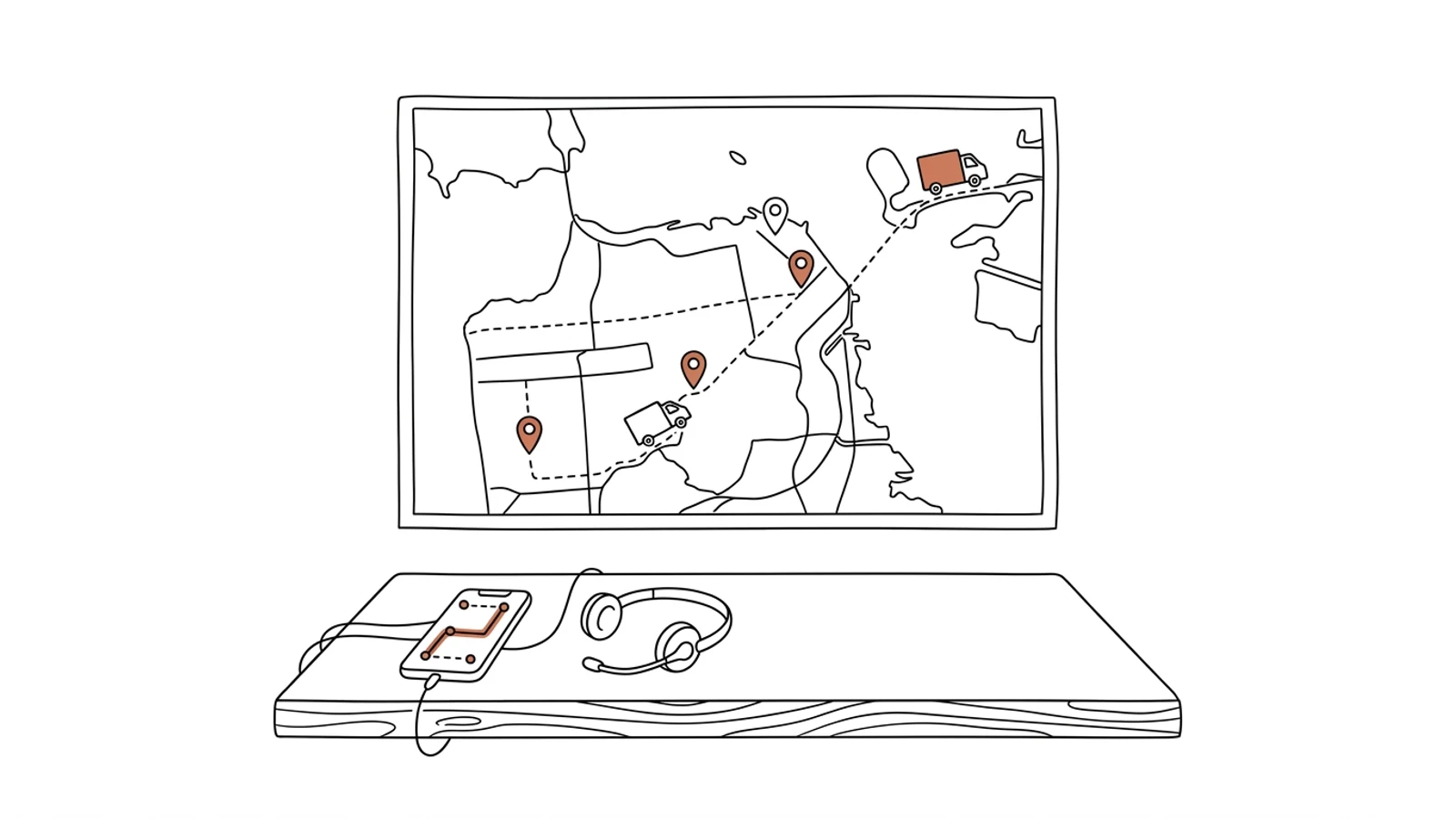
A dispatch desk that sees the whole fleet on one screen
Routes built around time windows, ADR rules and driver hours. The job lands on the driver's phone, and a mid-day route change takes a minute instead of a round of calls.
The day's plan comes together every morning from a spreadsheet and memory. When the dispatcher is off sick, nobody knows why truck 7 drives the way it does.
02
Every change means a call to the driver
A customer moves a delivery by two hours and the calling starts: the driver, the next customer, the driver again.
03
"Where is my truck?" takes three conversations
The customer asks, the dispatcher calls the driver, the driver calls back half an hour later. The answer arrives as the customer is calling for the second time.
What you get
Seven parts that make up the system
Built around your routes, your customers and the trucks you already run. We agree the scope together, and the rollout order too.
Live fleet map
Vehicle positions from telematics on one map, with cargo, driver and next stop. Filter by customer, route or delay.
Route planner
Routes calculated from time windows, tonnage, ADR, driver hours and road charges. The dispatcher gets a proposal and corrects what they know better.
Driver app
Jobs, navigation to the stop, loading photos, recipient signature and notes. Works offline and syncs when coverage returns.
Statuses and ETA for customers
The customer sees an estimated delivery time recalculated as the truck moves. A delay sends an SMS or email with no dispatcher involved.
Driver and fuel settlements
Per diems, allowances, fuel-card refuels and telematics mileage in one month-end statement.
Alerts
Off-route, 45 minutes of driving time left, a stop longer than planned. The alert reaches the dispatcher before the customer calls.
Cost-per-kilometre reports
Cost per km and per job by truck, driver and customer. You see which routes earn and which just keep the wheels turning.
AI in the system
What AI does in the fleet system
Three years ago features like these needed a data science team. Today language models read emails, documents and photos, and we build them into the system we make for you. Below is what makes sense in this solution. A person approves, AI prepares.
An order from an email in 10 seconds
AI reads the customer's email or PDF, pulls out addresses, time windows and cargo, and creates an order for the dispatcher to approve.
Example email "transport request for Thursday, 2 pallets, Poznań" → a ready order with date, address and load
A delay warning before it happens
The model learns from route history, unloading times and traffic. When a truck will miss its window, it warns the dispatcher and proposes a change.
Example a 14:00 stop via the motorway on a Friday → an alert at 11:30 with a proposed stop reorder
Dispatcher assistant
Questions about the fleet in plain language. The answer comes from system data, not from the dispatcher's memory.
Example "which ADR trucks can reach Poznań tomorrow morning?" → a list of three trucks with times
Route documents read automatically
A photo of the CMR or POD from the driver's phone becomes data: recipient, time, remarks. The system compares it with the order and highlights differences.
Example a CMR photo with "1 pallet missing" written on it → a flag on the order before invoicing
What changes
Effects you see in the first month
A mid-day route change takes a minute, because the driver gets it on the phone
The customer knows the ETA without calling dispatch
Cost per kilometre visible per truck, driver and job
Documents from the route are in the system the same day, not when the truck returns
What it connects to
Works with what you already have
We do not replace your telematics. We plug into the data your trucks already send and the systems your office already works in.
WebfleetGBoxFrotcomGoogle MapsHERETrans.euTimoComComarch ERPenova365SAP Business Onefuel cardsKSeF
How we deliver
From analysis to the first trucks on the map
We work in stages. After each one you have a working piece that dispatch uses right away.
01
Analysis and process map
We sit down with the dispatcher and the fleet manager. We write down how the day's plan is made, where information gets lost and which trucks run which telematics.
2 weeks
02
First working version
Fleet map, route planner and driver app for one group of trucks. Dispatch works in the system alongside the old way.
8–10 weeks
03
Integrations and settlements
ERP, fuel cards and freight exchanges connected. Driver settlements calculated from data the system already has.
4–6 weeks
04
Development by your queue
More truck groups, new reports, planner changes. You set the order, we ship every two weeks.
ongoing
Does your company run on Excel, emails and a system from years ago? We will build the solution that puts it in order, with AI inside from the start.
You have the diagnosis, we build the solution. Web applications, B2B portals and automations for companies without a large IT department. Today a system can read emails and documents, suggest decisions and answer customers on its own, so we build that in from the first version, not as an add-on a year later.
We agree scope, price and dates upfront, show progress every week, and the code and data stay yours.
With any provider that exposes data through an API or export. Webfleet, GBox, Frotcom and most Polish providers do. If yours does not, we check it during analysis and propose a workaround.
What if the driver has no coverage?
The app works offline. Jobs, photos and signatures are stored on the phone and sent when coverage returns. The dispatcher sees when the data arrived.
Does this replace our TMS or extend it?
Depends on what you have. If the TMS handles orders and invoicing well, we connect to it and add the map, planner and driver app. If your TMS is Excel, the system takes over that role.
Who owns the code and the data?
You do. The code goes into your repository, the data sits in your database. You can change vendors at any point.
How many people need training?
Dispatchers: half a day at their desks. Drivers: 20 minutes with the phone, usually on the day jobs start coming through the app.
Let's talk about your fleet
No sales deck. You describe a day in dispatch, we tell you what can be done and how long it takes.